The collection Five apps Designed by Kamrin Hira
Pick an app. Watch the page become it.
Five apps I designed and built with Claude Code: a cookbook, a feed with an end, a story builder, a writing desk and a time tracker. Each one signs in with a Microsoft account and keeps everything you make in your own OneDrive.
Tap one Every colour on this page turns into that app's own
The five apps
- 01 bindr Recipes you actually cook. Four ways in, one step at a time on the way out. See bindr
- 02 Contently A content feed with an end. Videos, articles, books, podcasts, and then it stops. See Contently
- 03 Inkling Branching stories on a canvas. Join two cards and the ink writes itself. See Inkling
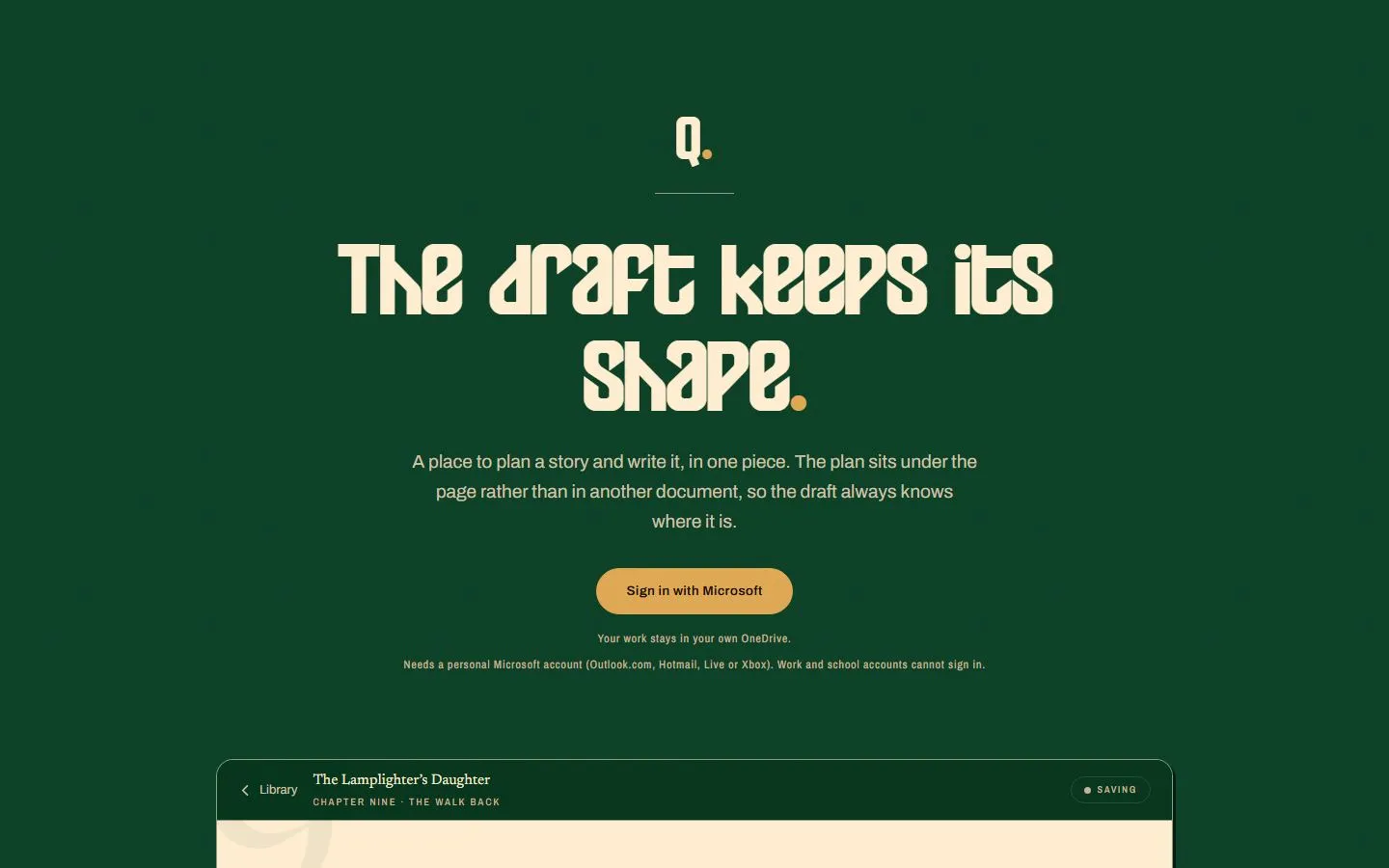
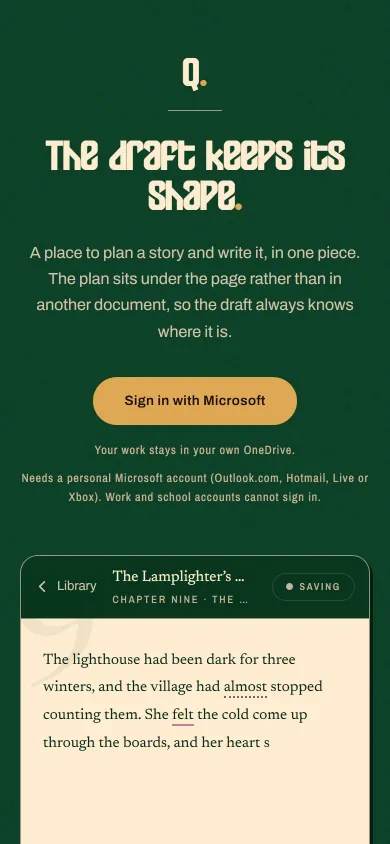
- 04 Quil Plan a story and write it in one piece. The draft keeps its shape. See Quil
- 05 Trakr Your work week, written for you, from what your PC already noticed. See Trakr
01RecipesPhone, tablet, laptop
bindr
Recipes you actually cook.
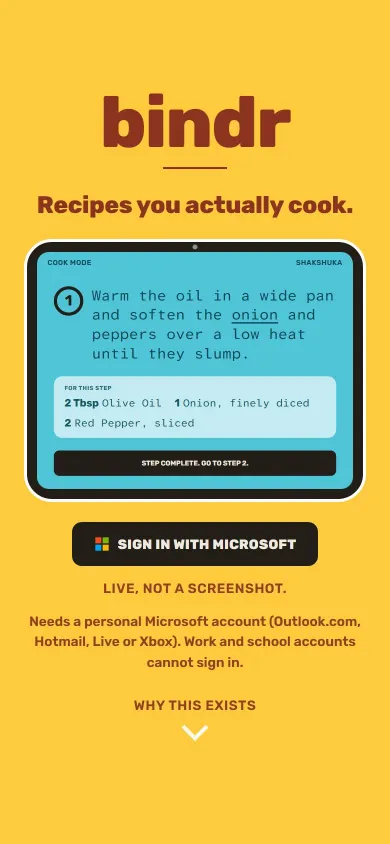
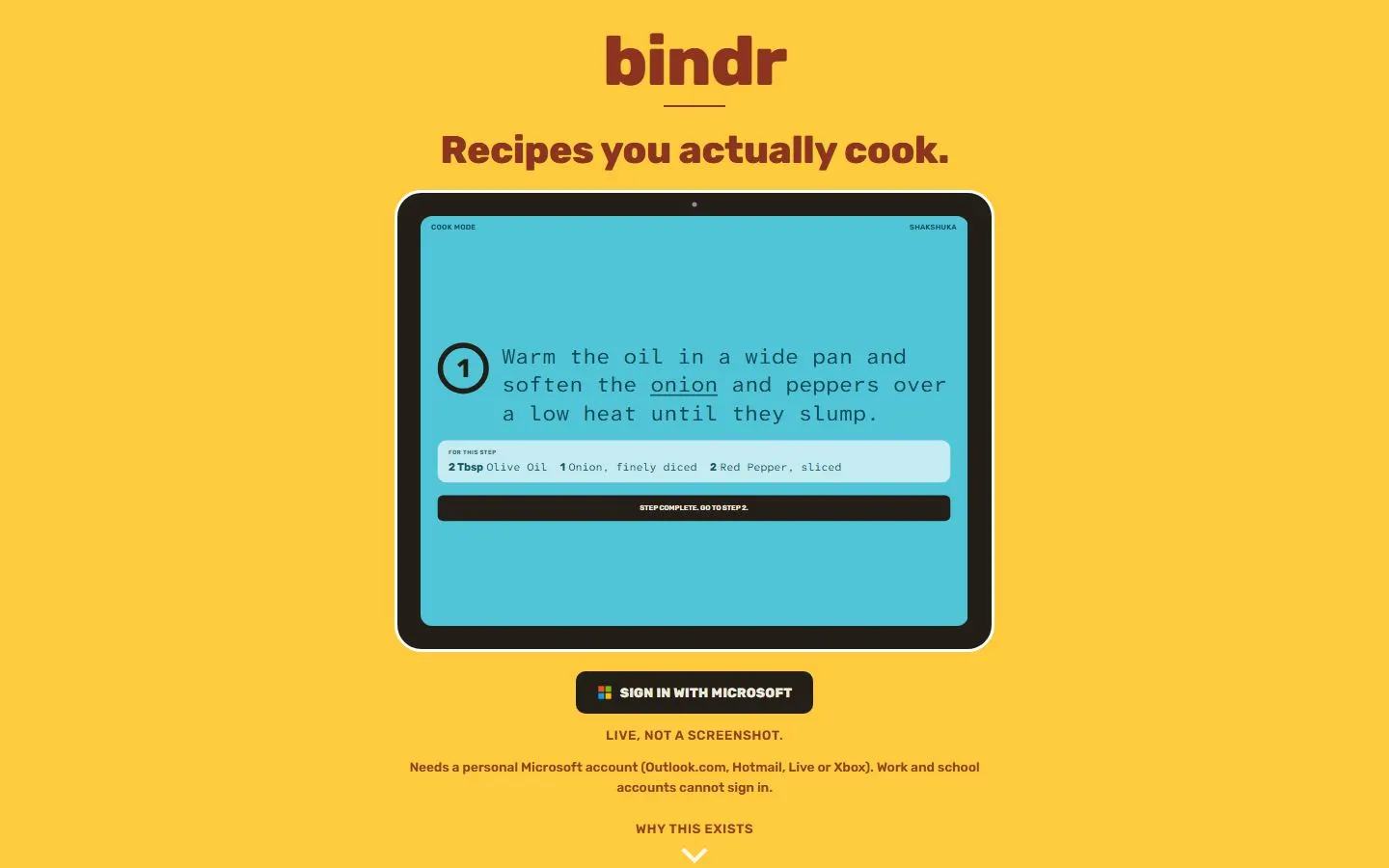
A recipe app built for the cooking half, not the collecting half. Bring a recipe in from a link, a photo of a cookbook page, a PDF or your own words, then cook from it one step at a time on a tablet propped against the kettle.
What it does
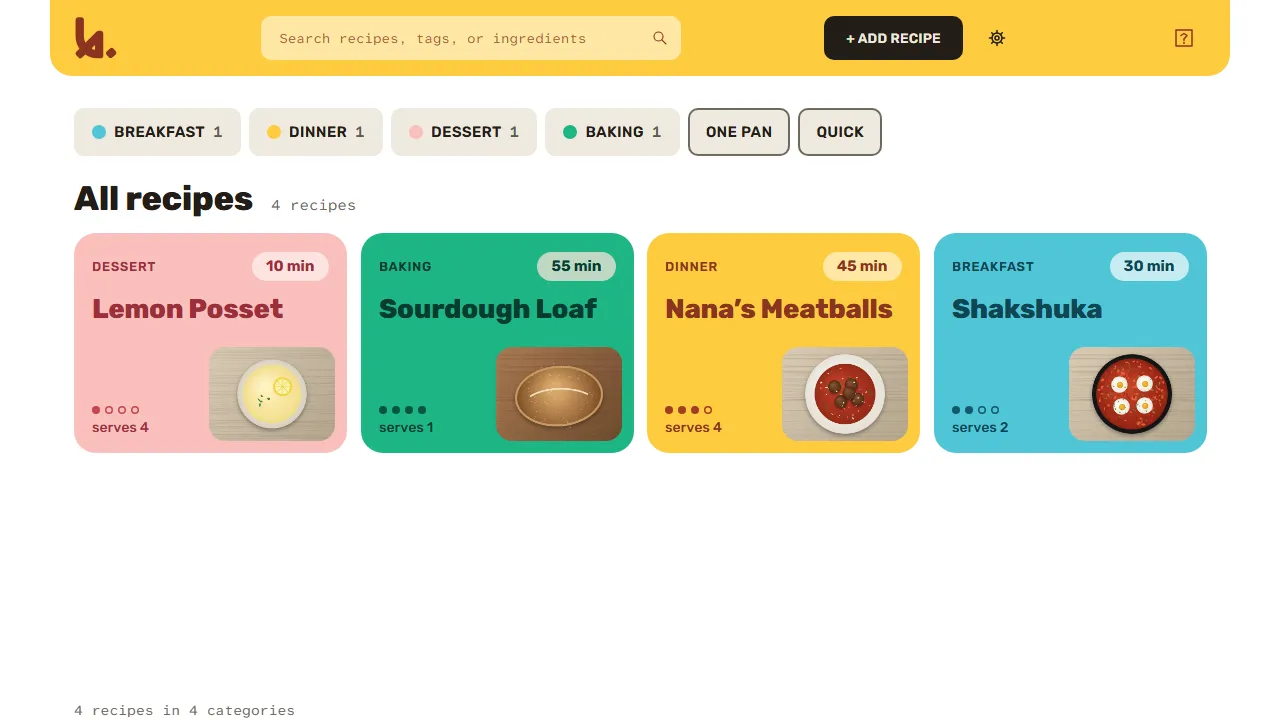
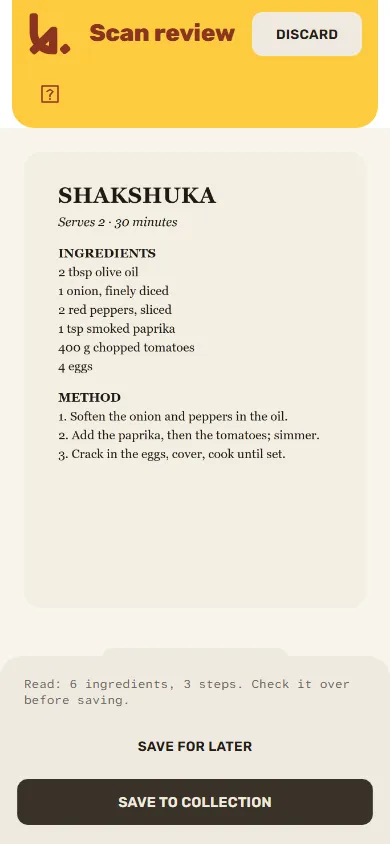
- Four ways in. Paste a link and the recipe arrives already pulled apart. Photograph a cookbook page or a handwritten card, or drop in a PDF: the text is read on your own device.
- Cook mode. One step at a time in type you can read standing up. The screen stays awake, and every dish in a session keeps its own step and its own timer.
- Scale it. Change the serving count and every quantity follows, without touching what is saved.
- Find it again. Search by name, tag or ingredient, so "chicken" finds every recipe with chicken in it.
- No signal, no problem. Recipes and their dish photos are already on the device, so the kitchen with no reception still has dinner.
- Two devices, no lost edits. Change the same recipe on two devices and bindr keeps both versions and asks which to keep.
Cooking from one, standing up, hands covered, phone locking every thirty seconds, two dishes going at once, is the part that is actually hard.
02A daily feedPhone, tablet, laptop
Contently
A content feed with an end.
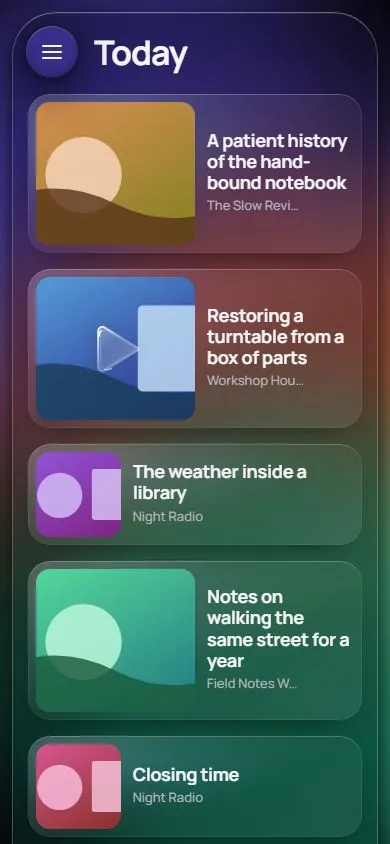
New videos from the channels you follow, new articles from the sites you read, and one chapter of a book at a time, in a single feed. Check it once a day. When it is empty, you are done.
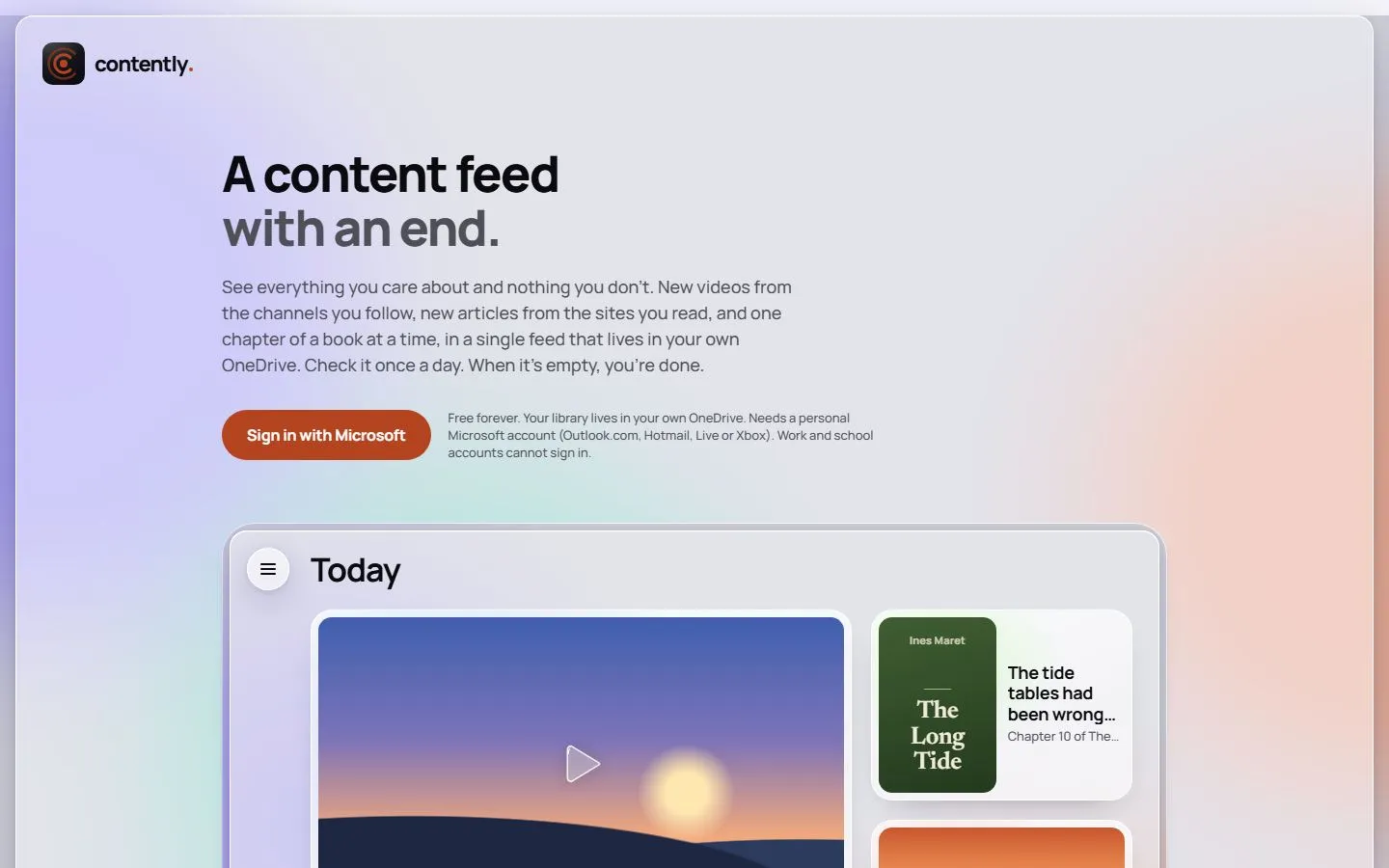
What it does
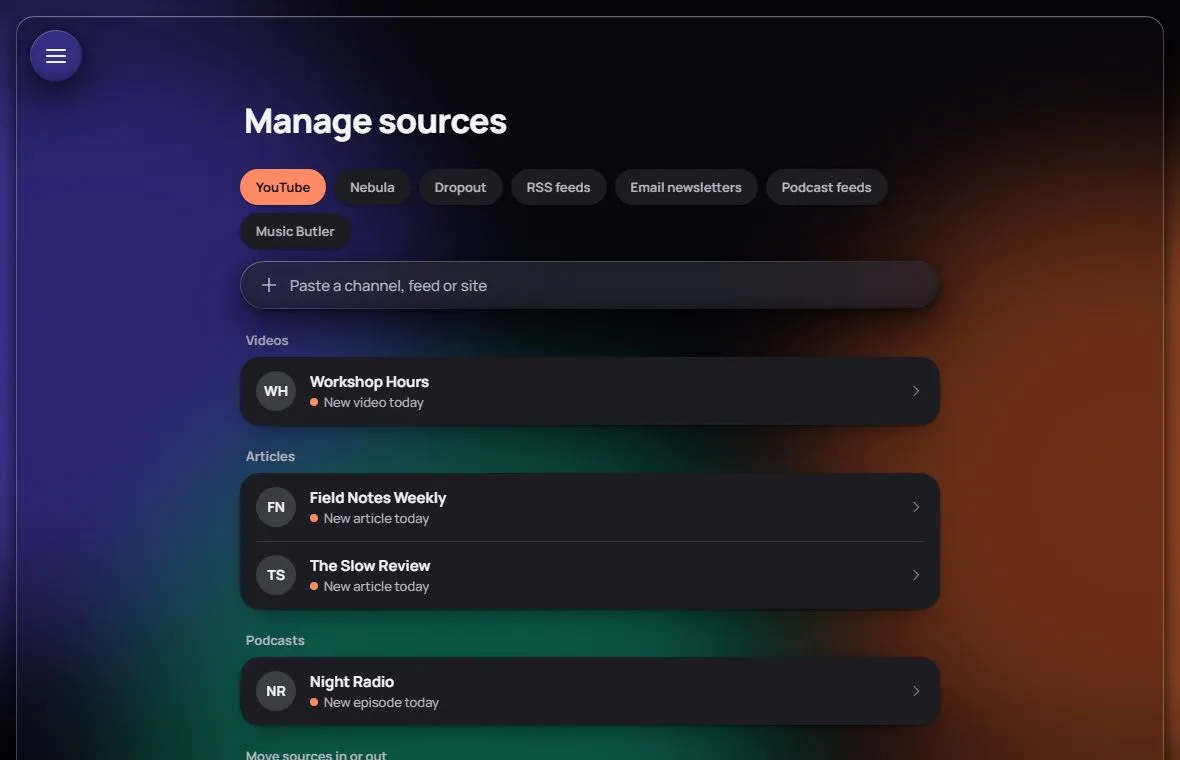
- Everything you follow, in one place. YouTube channels, websites and RSS, podcasts, music releases, ebooks, comics and audiobooks.
- Books by the chapter. Books and audiobooks arrive one chapter at a time, at a pace you set.
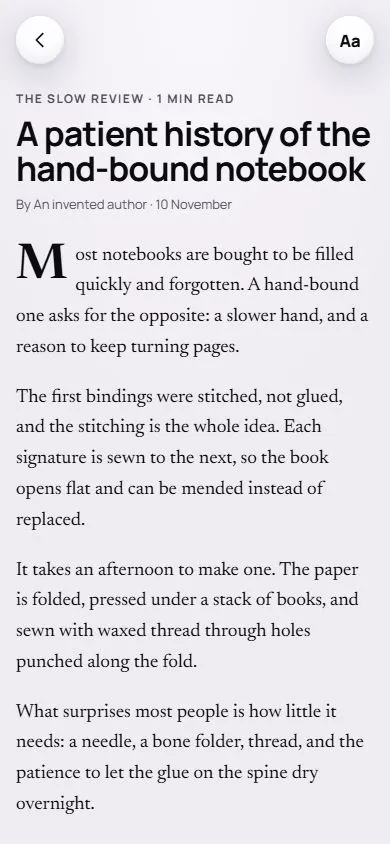
- Readers worth reading in. Full-screen readers for articles, books and comics, with page themes, fonts, size, spacing and auto-scroll.
- Later, properly. Snooze anything to this evening, the weekend, or a day you pick on a calendar.
- Quiet the noise. Mute a source, block words in its titles, or skip its Shorts and premieres.
- A today that ends. Only what is new and unread. When it is gone, Today says so and stops.
Six things it will never do
- Notify you
- Recommend anything
- Gamify you
- Go on forever
- Go social
- Sell you anything
03Interactive storiesComputer or iPad
Inkling
Build ink stories on a canvas.
ink is inkle's language for branching stories, the one Heaven's Vault and 80 Days are written in. Inkling turns it into a canvas: drag out a card for each scene, join the cards up, and the .ink file writes itself. No syntax, and nothing to fall back to.
What it does
- Cards, not code. Write a scene in a card. Drag from one card to the next and that line is a choice.
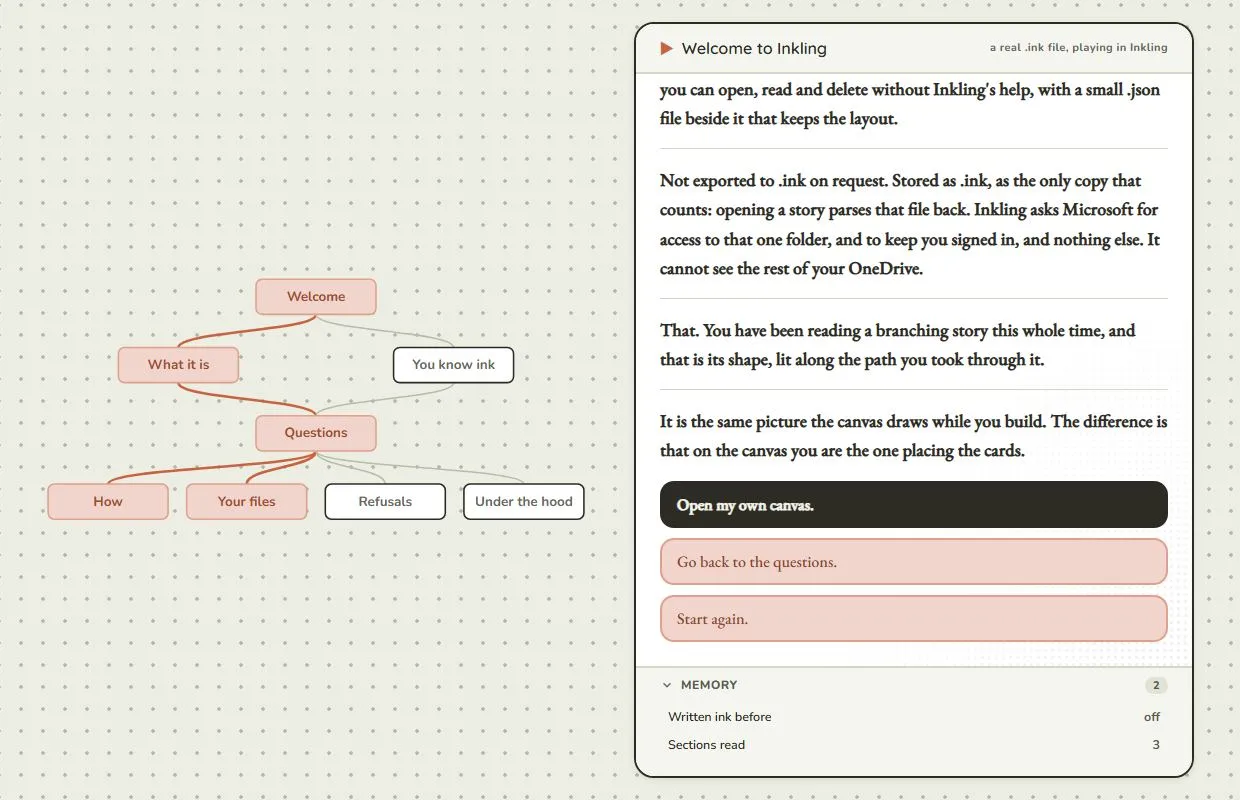
- Play it beside the board. Press play and the story runs in a panel next to the canvas, lighting up the cards as you walk through them.
- Proof before you share. It finds dangling choices and cards that nothing reaches.
- Real ink, really stored. Each story is an .ink file in your OneDrive, readable without Inkling. Opening a story parses that file back.
- The real engine. It plays on inkjs, inkle's own port, so play behaves exactly like ink.
- Your words only. It will never write a sentence for you. No generated prose, no suggestions.
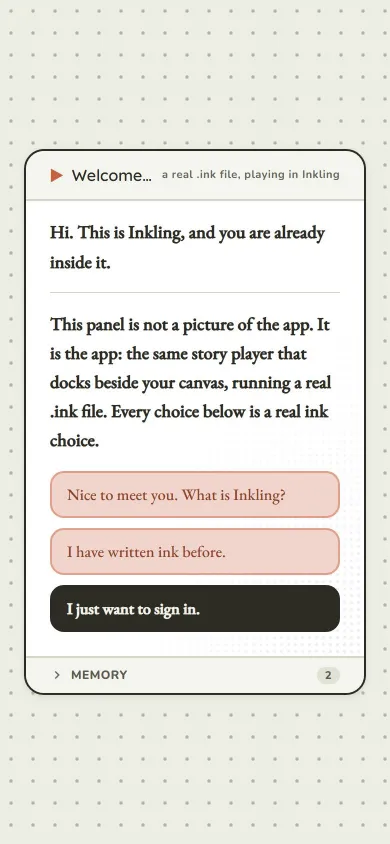
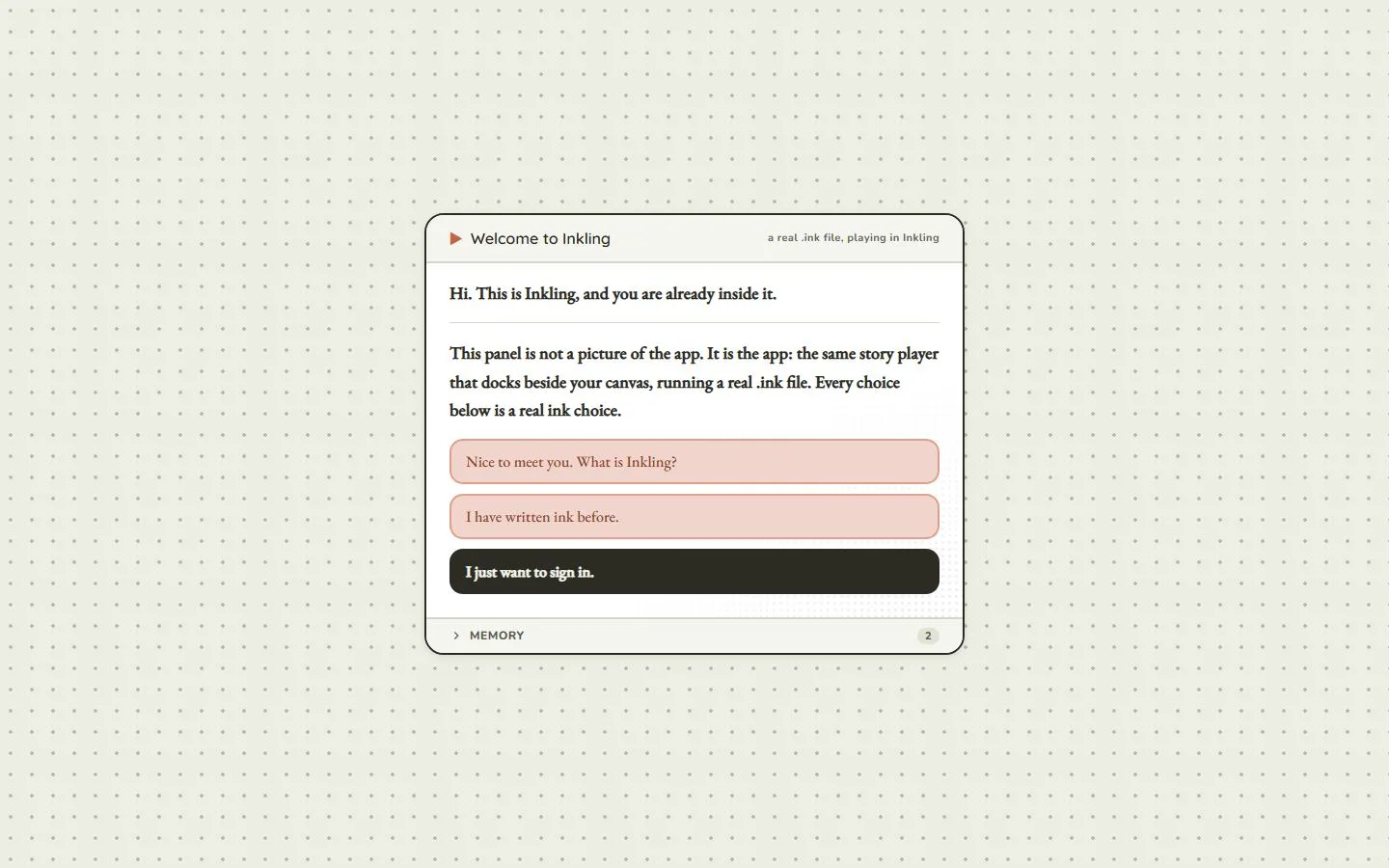
This panel is not a picture of the app. It is the app.
04Fiction writingPlan, draft, proof, export
Quil
The draft keeps its shape.
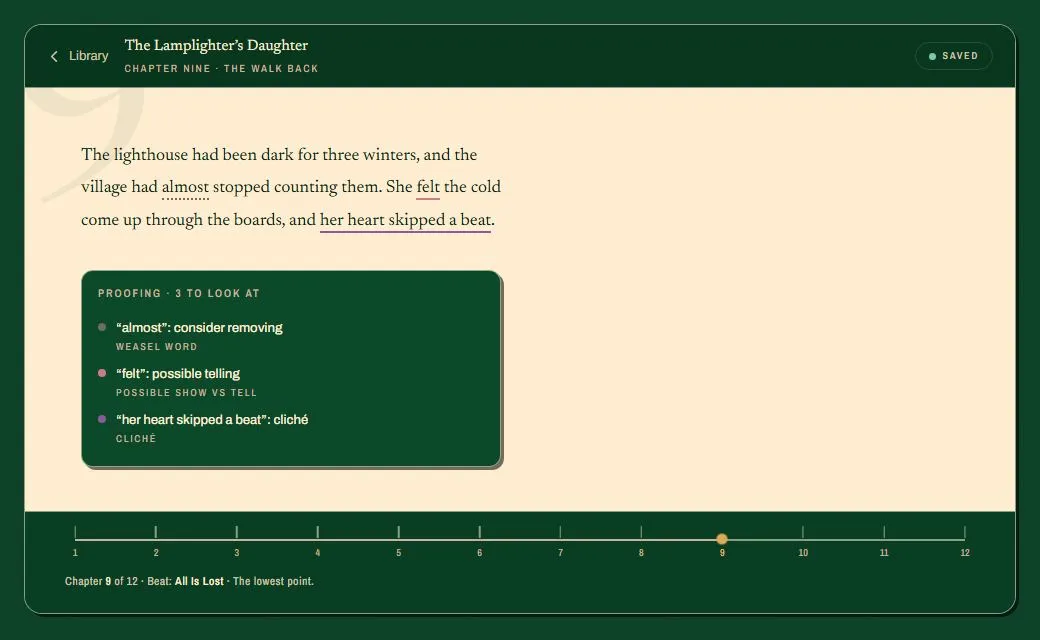
A place to plan a story and write it, in one piece. The plan sits under the page rather than in another document, so the draft always knows which chapter it is in, which scene, and which beat that scene was meant to carry.
What it does
- Structure built in. Save the Cat, Kishōtenketsu, the Story Circle and the Fichtean Curve, plus eight trope frameworks: 95 named beats, each able to carry a scene.
- A cream page in a dark room. Click the paper and the chrome slides out of the way. Press Escape and it comes back.
- Proofing you can argue with. Fifteen checks, from weasel words to pacing by dialogue. Rules, not a model, and every one has an off switch.
- Marks that mean what you decide. Four colours for rewrite, finish, delete and check, underlined so the prose stays the loudest thing.
- Export already formatted. Tags, content warnings, cast, summary and notes, stacked on one page.
- Two machines, one book. When two devices both moved on, Quil names each one and its time and asks which to keep.
The hard part is not the writing. It is the empty document.
05Time trackingWeb app plus a Windows helper
Trakr
The week wrote itself.
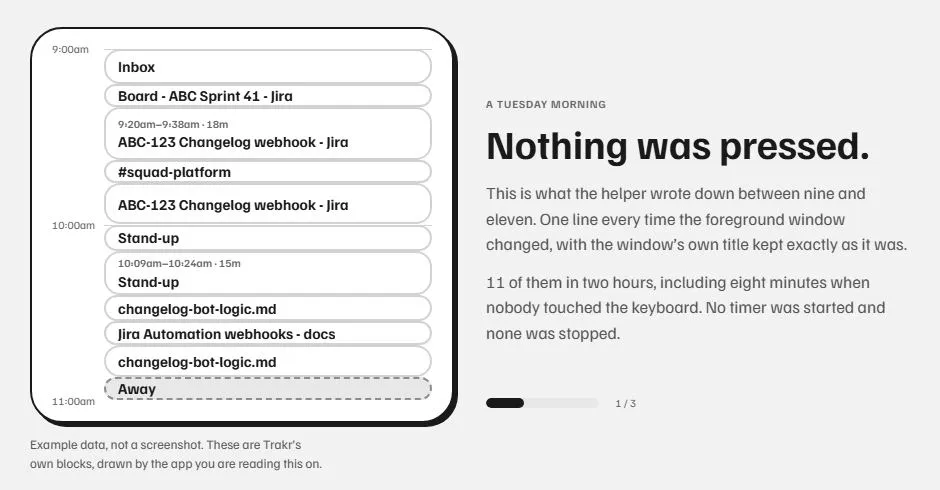
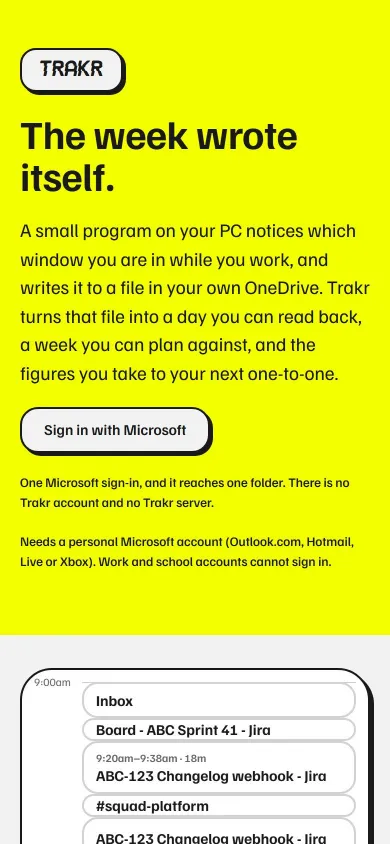
A small program on your PC notices which window you are in while you work and writes it to a file in your own OneDrive. Trakr turns that file into a day you can read back, a week you can plan against, and the figures you take to your next one-to-one.
What it does
- Four things, and four only. The window in front and its program, the browser tab, when you were away, and the minute it changed. No screenshots, no keystrokes.
- A helper with no network. The Windows helper has no networking code at all. OneDrive's own sync carries the file.
- Fragments join up. Eleven window changes in two hours become four runs. A quick look at chat inside an hour of work stays inside it.
- Name it once. Give a run a project and the day stops being a memory. Reports are built from those blocks and nothing else.
- Plan the week. Line up the week against its capacity, then approve it or reopen it.
- Plain files. One CSV per tracked day. Open a day in a text editor and a month in a spreadsheet.
The days most worth recording are the ones where you forget to press start.
Who made these
I'm Kamrin Hira. I design apps and build them with Claude Code, Anthropic's coding agent. I write the brief, the design contract and the reasons behind each decision, I look at every screen, and Claude Code and I write and test the code together.
The five share one platform repo. Sign-in, sync, conflict handling and the error log are written once and copied into every app byte for byte, with a checksum that fails the build if a copy drifts. A fix made in one place reaches all five.
Three things building them taught me
- What took the most work is not what makes the case. The cleverest thing on a page is rarely the reason anyone should care.
- A trick that works in one app is not portable on its own. Check what it does for the app it came from first.
- A green test run does not mean the page looks right. Look at it, at more than one size, every time.